
How to Manage Google Reviews
How to Manage Google Reviews for Multiple Business Locations in Malaysia
may have its own Google Business Profile. Checking every profile individually can become time-consuming, particularly when the business receives reviews regularly.
Manage Google Reviews
1. Customer Experiences Differ by Location
One branch may receive positive feedback about its staff, while another may receive complaints about waiting times or service quality.
Without organised monitoring, management may struggle to identify these differences.
2. Responses May Be Inconsistent
Different branch managers may respond to reviews in different ways. Some may reply promptly, while others may overlook customer feedback.
A consistent response approach helps maintain a professional brand image.
3. Negative Feedback May Go Unnoticed
When reviews are not monitored regularly, customer concerns can remain unanswered.
A timely response does not guarantee that a customer will change their opinion, but it shows that the business takes feedback seriously.

How Can Businesses Manage Google Reviews Across Multiple Branches?
1. Keep Every Branch’s Google Business Profile Updated
Each eligible business location should have an accurate and properly managed Google Business Profile.
Check that the following details are correct:
- Business name
- Address
- Contact number
- Operating hours
- Website
- Services
- Location information
Accurate business information helps customers find the right branch and reduces confusion.
2. Create a Standard Review Monitoring Process
Assign responsibility for monitoring customer reviews.
For example, a business can establish a process where:
- Branch managers monitor location-specific feedback.
- The central marketing team reviews overall reputation.
- Customer service teams handle complaints.
- Management reviews recurring issues.
This makes review management a shared operational responsibility rather than an occasional marketing task.
3. Encourage Genuine Customer Feedback
Businesses should make it easy for customers to share honest feedback after their experience.
Review requests can be sent through suitable channels such as WhatsApp or email.
A direct review link reduces the effort required from customers.
Importantly, businesses should invite customers to leave honest reviews without offering rewards for positive reviews or selectively asking only satisfied customers to post publicly.
4. Respond to Reviews Professionally
Every review is an opportunity to communicate with customers.
Positive reviews deserve appreciation, while negative reviews require a thoughtful response.
For example:
Positive review:
“Thank you for sharing your experience with us. We appreciate your support and look forward to welcoming you again.”
Negative review:
“Thank you for bringing this to our attention. We are sorry to hear that your experience did not meet expectations. We would appreciate the opportunity to understand the issue and improve.”
Responses should be personalised to the customer’s actual experience.
5. Compare Feedback Across Locations
Review trends can help management understand how different branches are performing from a customer-experience perspective.
For example:
Customer feedback | Possible business action |
Long waiting times | Review staffing and service processes |
Helpful employees | Identify and share good service practices |
Product availability issues | Review branch inventory |
Cleanliness concerns | Improve cleaning checks |
Slow responses | Review customer communication processes |
Reviews should be treated as operational feedback, not simply as a rating to monitor.
Which Businesses Need Multi-Location Review Management?
This approach is particularly useful for Malaysian businesses with several branches, including:
- Restaurant and café chains
- Retail stores
- Clinics and healthcare groups
- Hotels and hospitality businesses
- Beauty salons and wellness centres
- Fitness centres
- Education and training centres
- Professional service companies
Whether a business has two branches or twenty, a consistent review management process can help it understand customer experiences across locations.
How Does SenangReview Help?
SenangReview is a customer review management platform designed for businesses in Malaysia.
It helps businesses organise review requests and customer feedback through features such as:
- Automated review requests through WhatsApp or email
- Google and other platform review collection
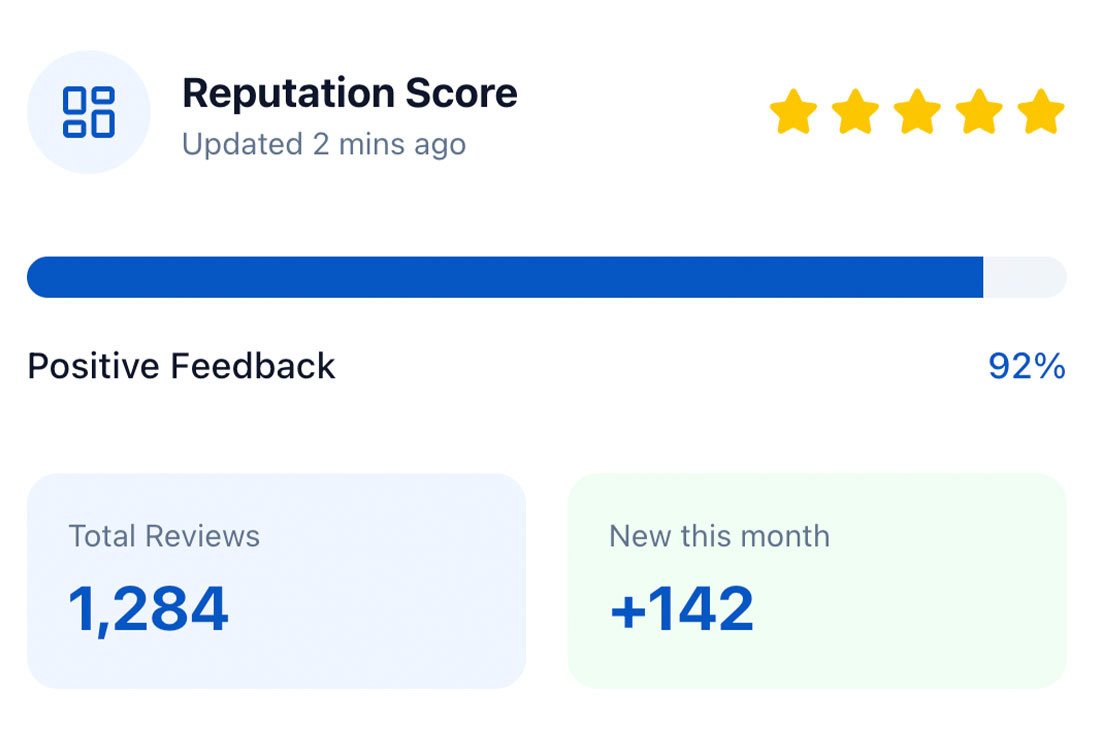
- Customer feedback dashboard
- Review monitoring and analytics
- Review showcase functionality
- API access for CRM and POS integrations
For businesses operating multiple locations, these capabilities can support a more organised approach to customer feedback and online reputation management.
The goal is to make review collection and monitoring part of the regular customer journey rather than relying entirely on manual follow-ups.
Final Thoughts
Managing Google reviews becomes more complicated as a business expands to multiple locations. Different branches create different customer experiences, and each experience can influence how potential customers view the brand.
A consistent review management strategy helps businesses monitor feedback, identify service issues and maintain better communication with customers.
For Malaysian businesses looking to organise this process, review management software such as SenangReview can help bring review requests and customer feedback into a more structured workflow.
Want to manage customer reviews more efficiently across your business locations? Explore SenangReview and see how its review management platform can support your business.
FAQs
Maintain accurate Google Business Profiles for each location, establish a review monitoring process, assign response responsibilities and use review management software to organise feedback.
Yes. Businesses can monitor individual Google Business Profiles and use review management tools to organise feedback and reputation activity across locations, depending on the platform's integrations.
Use a consistent process to invite customers to share honest feedback after their experience. WhatsApp, email and QR codes can make it easier to access review links.
Professional responses show that a business takes customer concerns seriously. They also provide an opportunity to address issues and demonstrate a commitment to improving service.
Yes. Even businesses with two or three locations can benefit from organised review collection, monitoring and reporting.
Contact Us
Boost Business Growth with Customer Feedback.
Get More 5★ Customer Reviews Automatically — Without Chasing Customers.
A powerful customer review management platform designed for businesses in Malaysia to generate more reviews, automate requests via our WhatsApp review request system, and build stronger customer trust.

Google Review Integration
Simple Dashboard
Google Review Integration
Simple Dashboard
ABOUT SenangReview
Customer Review Management Platform in Malaysia.
SenangReview is a trusted review management platform in Malaysia helping businesses collect more Google reviews through automated WhatsApp review requests. In today’s digital age, reviews are the lifeblood of business growth. They build trust before a customer even walks through your door.
Start Building Your Online Reputation Today.
More Reviews → More Trust → More Customers
- Trusted Review Management Software
- Collect Google Reviews
- WhatsApp Review Request System
- Customer Feedback Dashboard
- Reputation Management
Talk To Expert
Book A Demo